CSV or Excel, as it came
Upload the file the client or the outgoing contractor sent you. Every sheet in the workbook is read, in whatever layout it happens to use. No template to fill in, no “please re-send it in our format” email.
It finds the tables itself
Real registers are messy: a title row, a blank line, a second table further down for a different building or asset class. traqR picks out each table on its own and lets you tick the ones you want to bring in.
Columns matched automatically
Asset name, type, location, serial number, status, service frequency and last service date are recognised from the headings and mapped for you. Change any mapping from a dropdown if their wording is unusual.
Nothing is thrown away
Columns that do not match a traqR field are not dropped — they are folded into the asset’s notes, so the barcode numbers, cylinder sizes and comments the old register carried are still there when a tech opens the asset on site.
Types, dates and frequencies understood
CO₂ and water extinguishers, hydrants, detectors and panels are recognised and given the right asset type. Dates are read whether they are written 3/3/24, 3 Mar 2024 or an Excel serial, and “6 monthly” becomes a six-monthly service frequency.
Preview before you commit
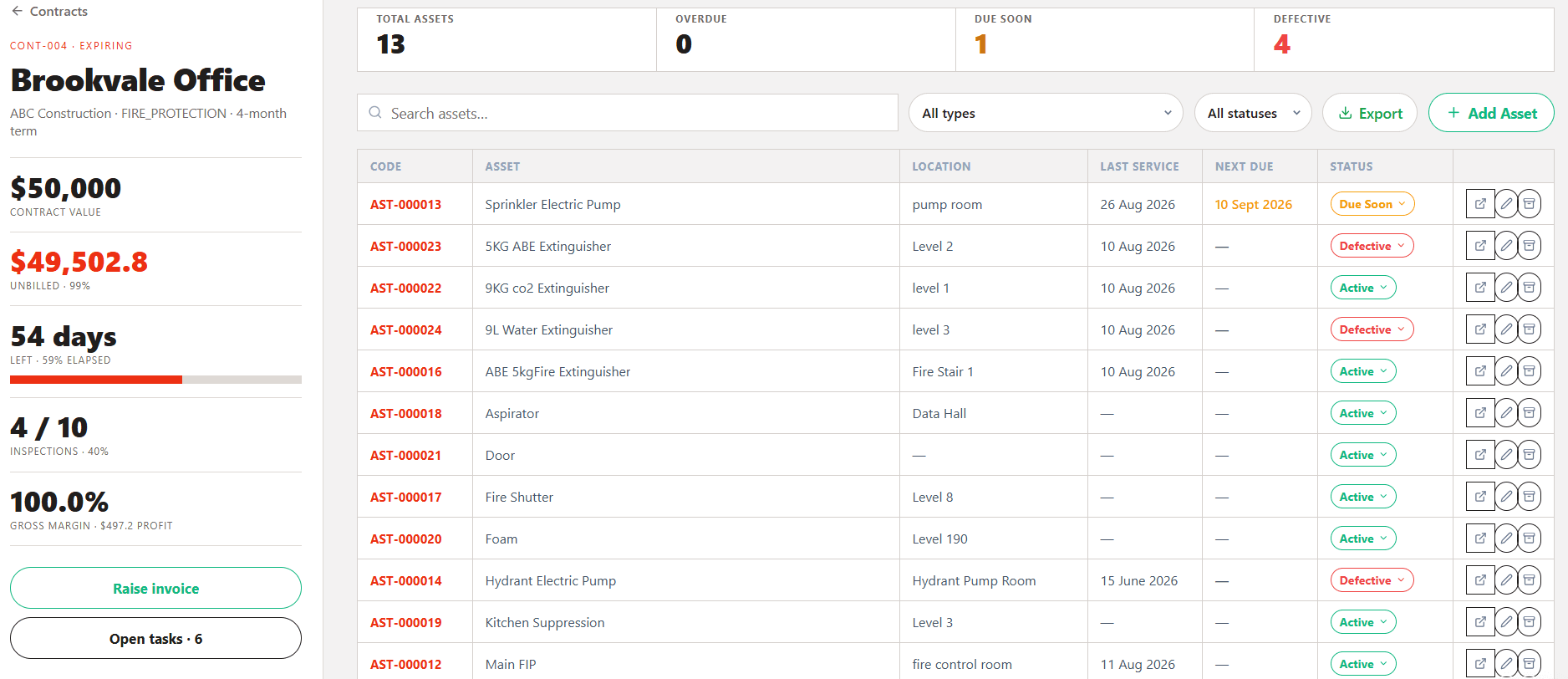
You see each table, its row count and a preview of what will be created before anything is written. Untick a table, fix a column, then import. The register is live the moment you confirm.
What a register costs to type in, and what it costs to import
Every new site you win comes with a list of equipment attached. How that list gets into your system is one of the quietly expensive parts of running a maintenance business.
Three hours of typing, or three minutes
A mid-sized commercial building might carry 400 assets across its extinguishers, hydrants, hose reels, detectors and panels. At thirty seconds a line — name, type, location, serial, frequency, last service — that is over three hours of solid data entry, and nobody does three hours of data entry solid. In practice it gets split across a week, half-finished, and chased.
Pick the contract, choose the file, tick the tables, import. The work is the same whether the register holds forty assets or four hundred.
Moving off a spreadsheet, or off another platform that exports to CSV, stops being a project you have to schedule.
The person who would have spent the week keying assets in is quoting, scheduling or chasing invoices instead.