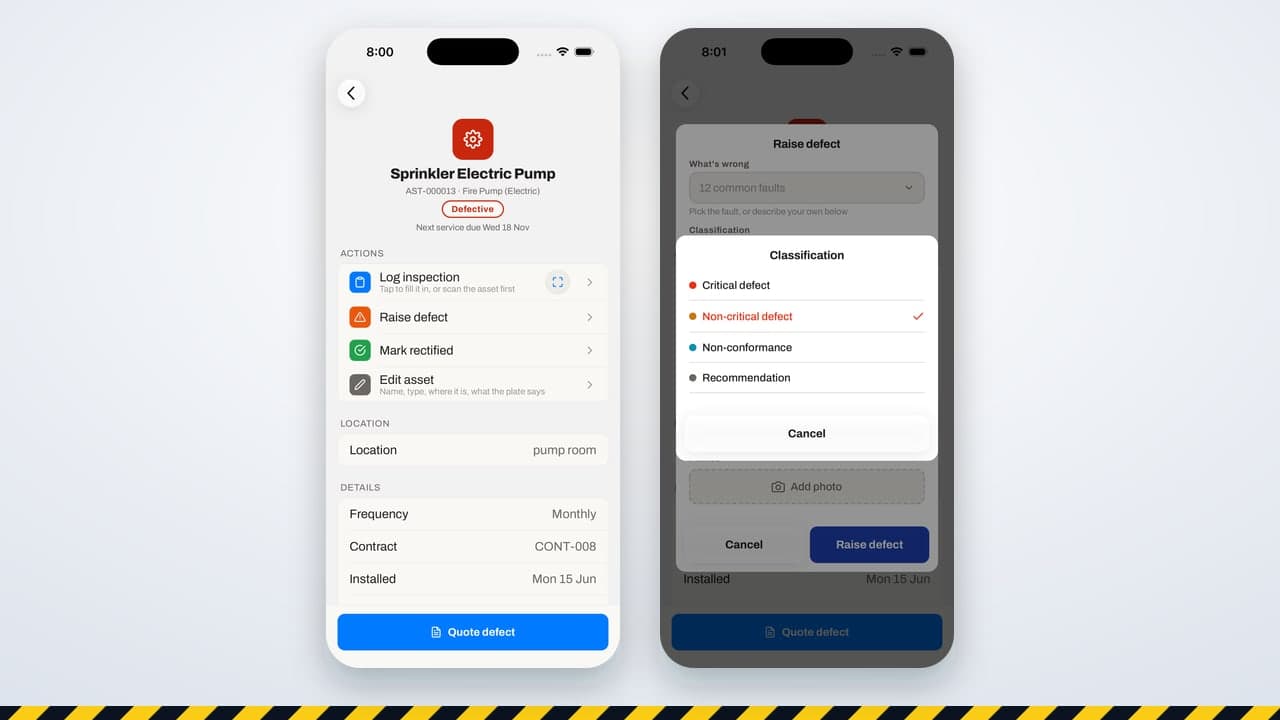
Every fire contractor finds defects. The difference between businesses is what happens next. In too many, a defect is written on the service report, the report goes to the client, and nobody can say three months later whether it was quoted, approved, fixed or checked. The building stays non-compliant, the remedial work is never billed, and the same defect turns up on the next visit.
Fire defect management software exists to close that loop. This guide sets out the stages a defect should move through and what the software should do at each one.
Stage 1: found and classified on site
A defect should be raised against the specific asset, by the technician who found it, while they are standing in front of it. That means a photo, a short description, and a classification. Under AS 1851, a critical defect is one that makes the system unlikely to perform and must be reported to the owner promptly; a non-critical defect or non-conformance still needs fixing but is not an emergency. A recommendation is advice rather than a failure.
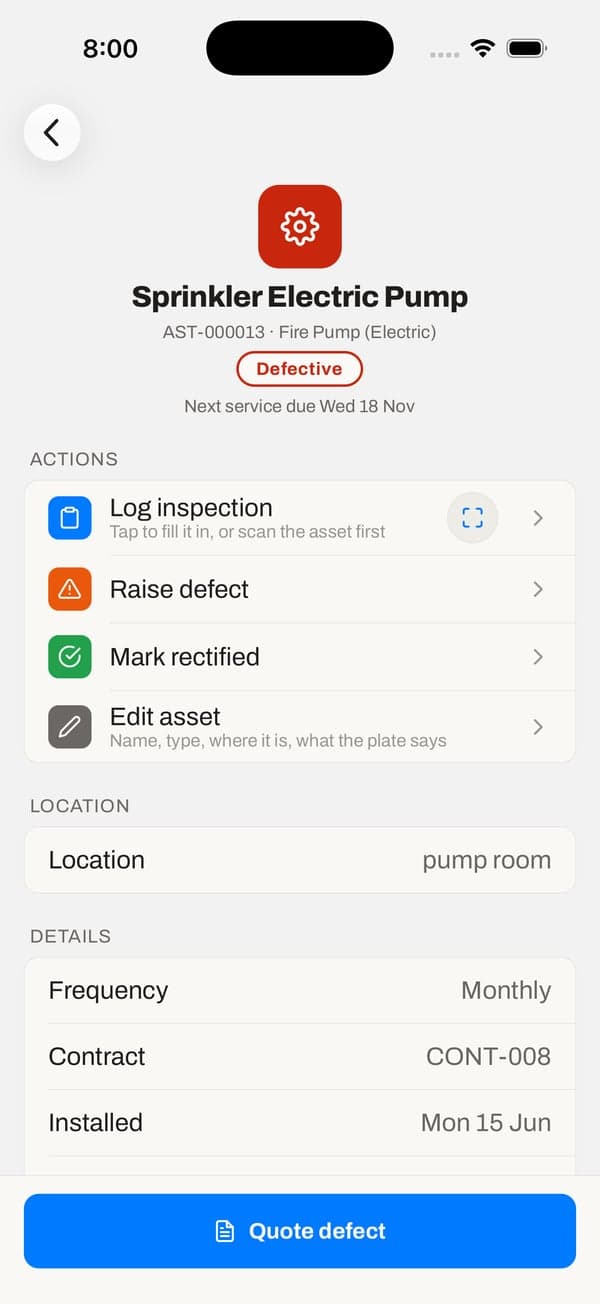
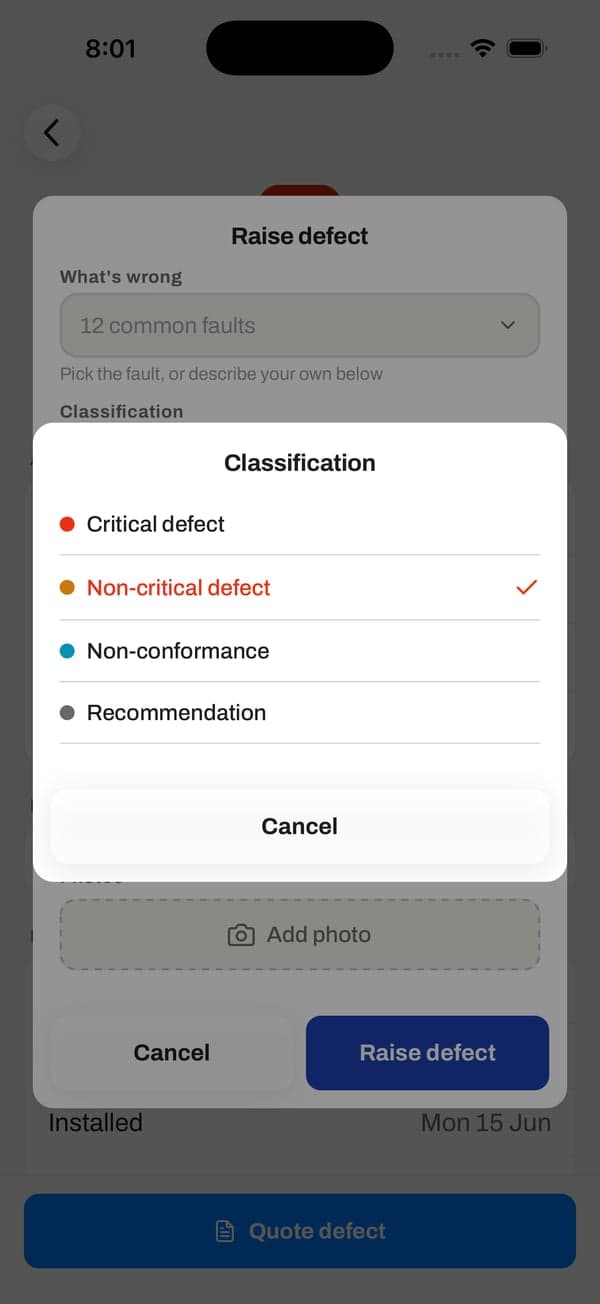
Picking from a list of common faults for that type of equipment speeds this up and keeps descriptions consistent, so the office and the client read the same thing.
Stage 2: the owner is told
A critical defect should reach the office the moment it is raised, and the owner soon after. Software should record when and how the owner was told, because that is the first thing anyone asks if something goes wrong later.
Stage 3: quoted
Every defect should end in a quote or a clear decision not to quote. The faster the quote goes out, the more of them are approved: a building manager who receives a priced quote with the photo the same day is far more likely to say yes than one who hears about it in a monthly report. Good software lets the technician start the quote from the defective asset, pre-filled with the asset, the fault and the contract.
Stage 4: fixed
When the quote is approved, the repair becomes a job. When the job is done, the defect should move to fixed automatically, with the date and the technician who did it, rather than waiting for someone in the office to remember to update it.
Stage 5: verified
Fixed is not finished. Someone should check the repair, either on the same visit or the next routine service, and record the result. In traqR, a later pass on the asset verifies a defect that was marked fixed, while a defect that was never marked fixed stays open even if the asset happens to pass, with a note in its trail. That stops a defect quietly disappearing without anyone confirming the work.
The trail behind it
At each stage the software should keep a dated record of who did what: raised, owner told, quoted, approved, fixed, verified, or deferred and rejected with a reason. That trail is what lets you answer an owner, an auditor or an insurer in a minute, and it is what tells you whether a building can sign its annual statement. A critical defect that is fixed but not yet verified should still count as open for the statement.
What to look for in defect management software
- Defects raised on the asset from the phone, with photos and a classification.
- Critical defects escalated to the office straight away, with the owner notification recorded.
- A quote started from the defect in one step.
- Stages that move automatically when the quote is approved and the job is done.
- Verification by a later pass, not just a tick in the office.
- Deferring or rejecting a defect needs a reason.
- A board of every open defect across your sites, filtered by stage, client and severity.
- Clients can see their defects and where each one is up to in a portal.
Frequently asked questions
What is fire defect management software?
Software that records defects found during fire protection servicing and tracks each one through to a verified repair: classification, owner notification, quote, rectification and check, with a dated trail.
What is the difference between a critical and a non-critical defect?
Under AS 1851, a critical defect makes a system unlikely to perform as intended and must be reported to the owner promptly. A non-critical defect or non-conformance needs rectifying but does not stop the system working.
When is a defect closed?
When the repair has been checked, not just when the work was done. Recording the verification separately is what proves the system is compliant again.
Can clients see defects in traqR?
Yes. The client portal shows each defect on their assets and its stage in plain words, alongside quotes to approve.