The office in every technician’s pocket.
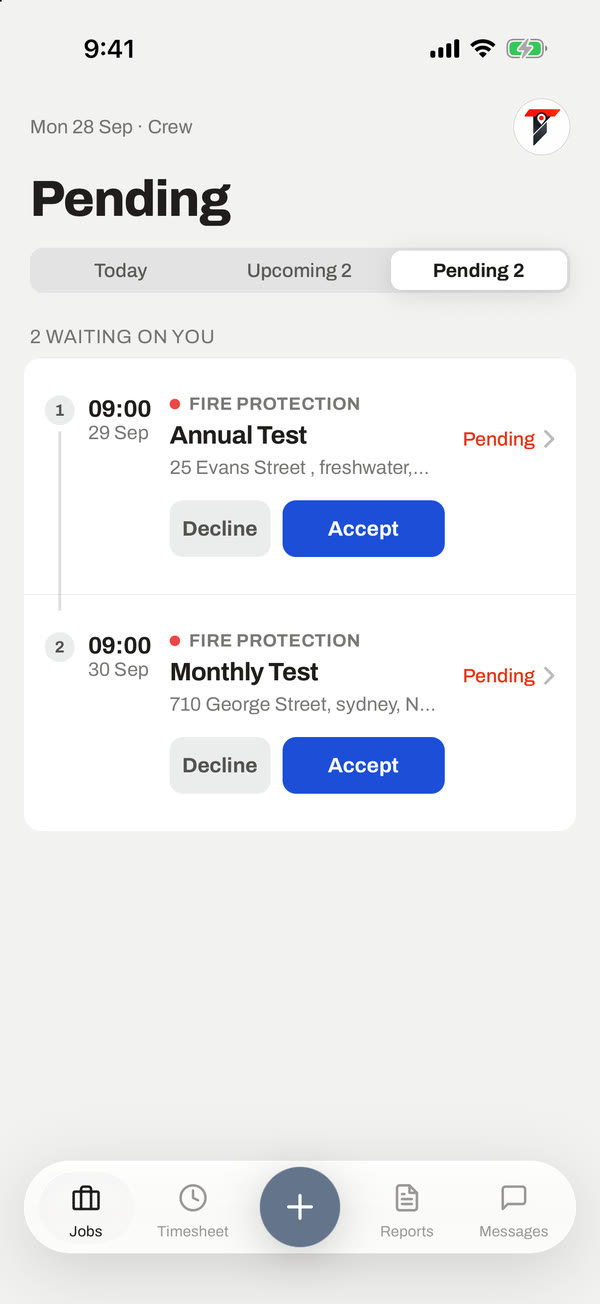
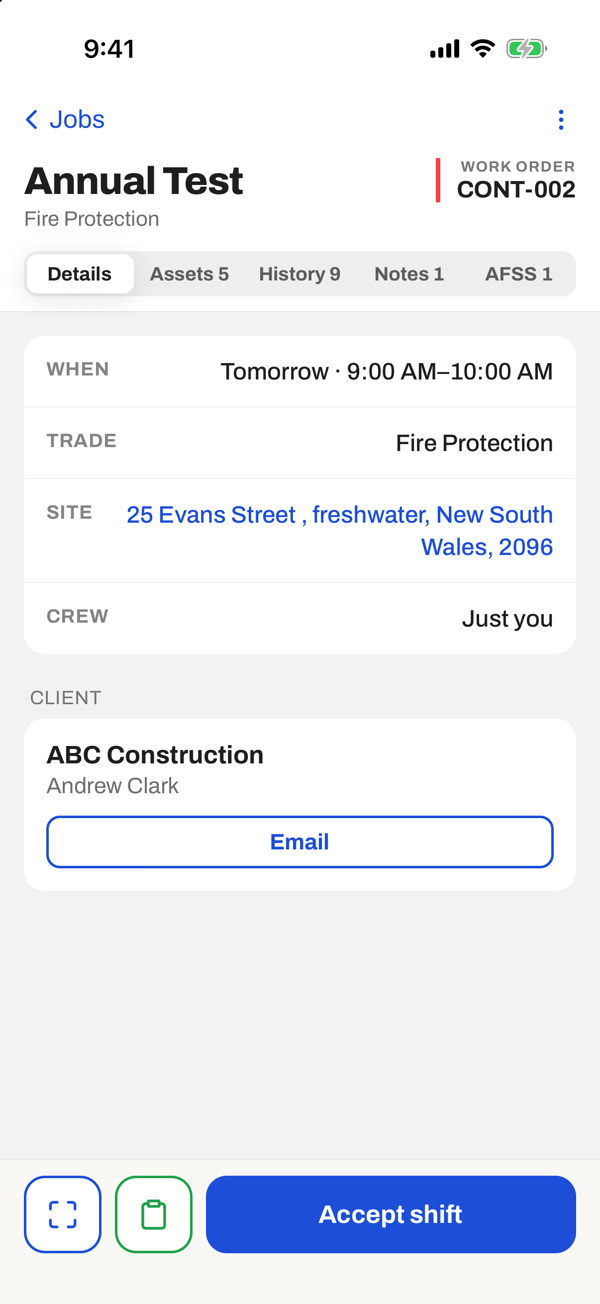
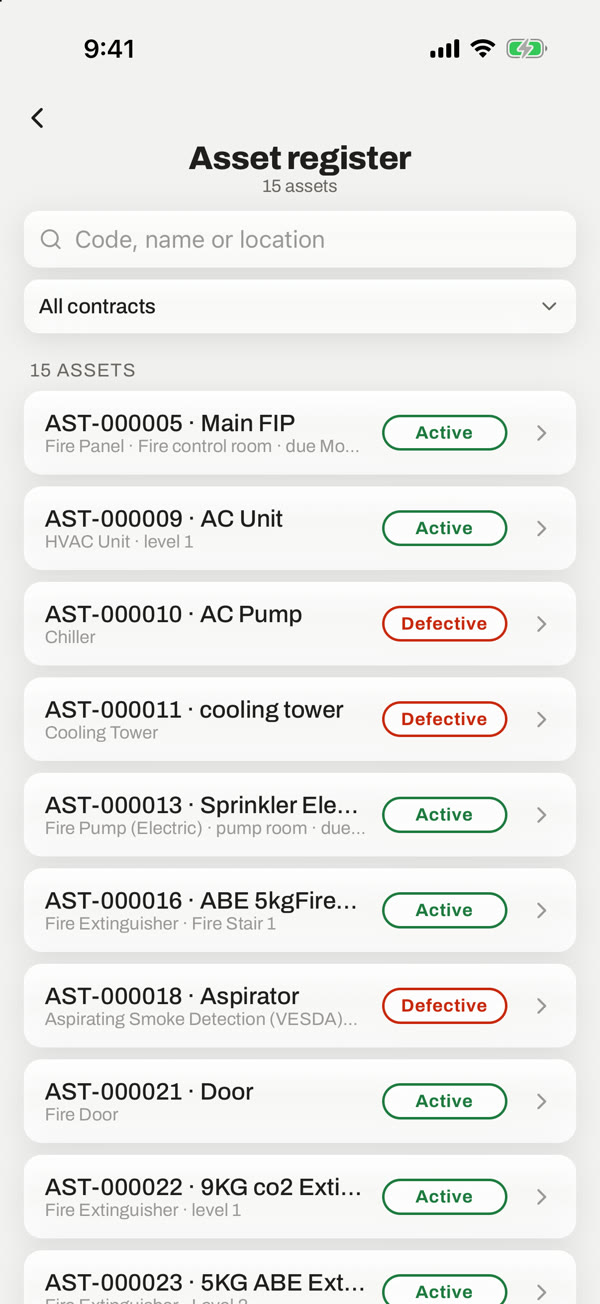
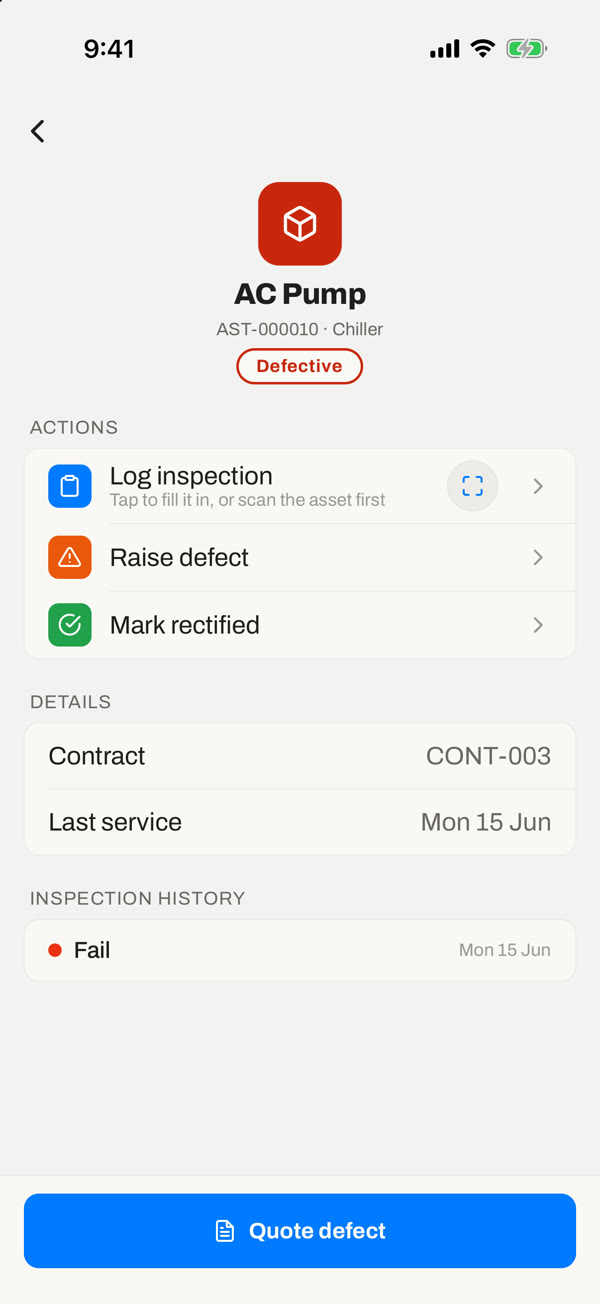
Techs see their day, accept new shifts, test every asset, scan QR tags, capture photos and signatures, complete safety paperwork and custom forms, and book their time. Reports and photos taken without signal are saved on the phone and sent the moment they are back in range.

Built for patchy signal
Test reports, forms, timesheets and photos are kept on the phone and sent automatically when signal returns.
Every test on the phone
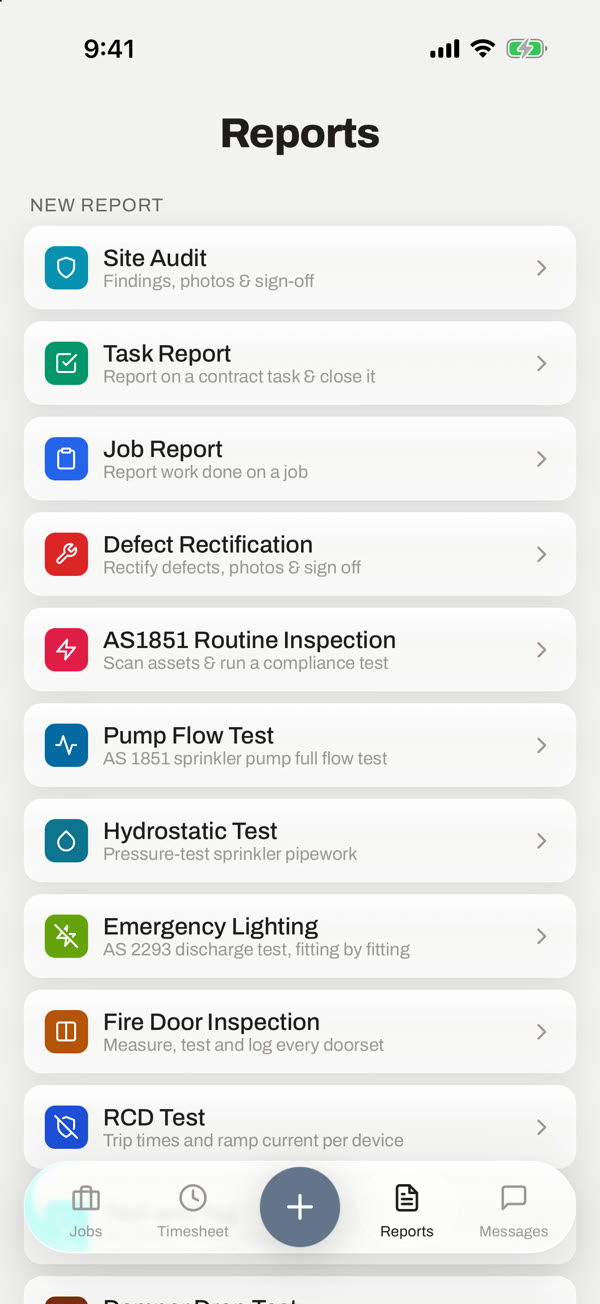
AS 1851 routines asset by asset, plus pump flow, hydrant, emergency lighting, EWIS, fire doors, dampers and more.
Sign on to the job
Sign on and off with the pre-start done first, feeding straight into timesheets.
Everything a fire technician does on site
The field app is built for plant rooms, risers and roofs: big targets, quick steps, and nothing lost when the signal drops.
The right test for the job
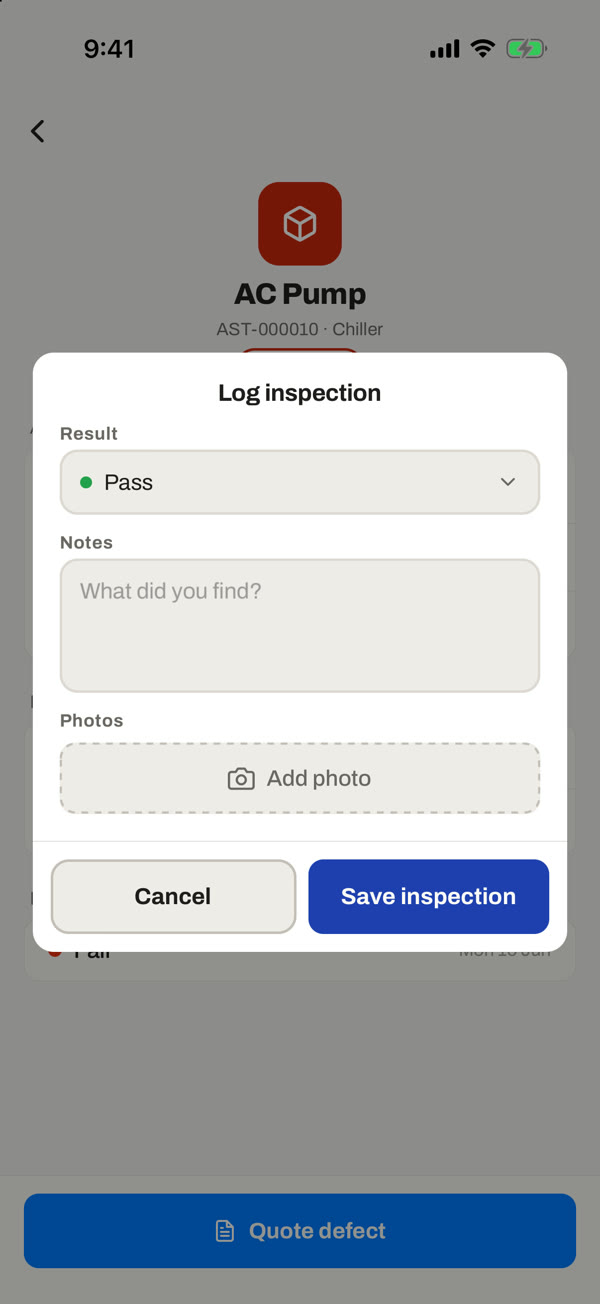
Contract tests run asset by asset with pass, defect or N/A, notes, photos, a severity and a recommended action, then the compliance questions and a signature. Dedicated reports cover pump flow, hydrostatic, hydrant, backflow, fire doors, dampers, fans, emergency lighting, EWIS, RCD and test and tag, defect rectification and more.
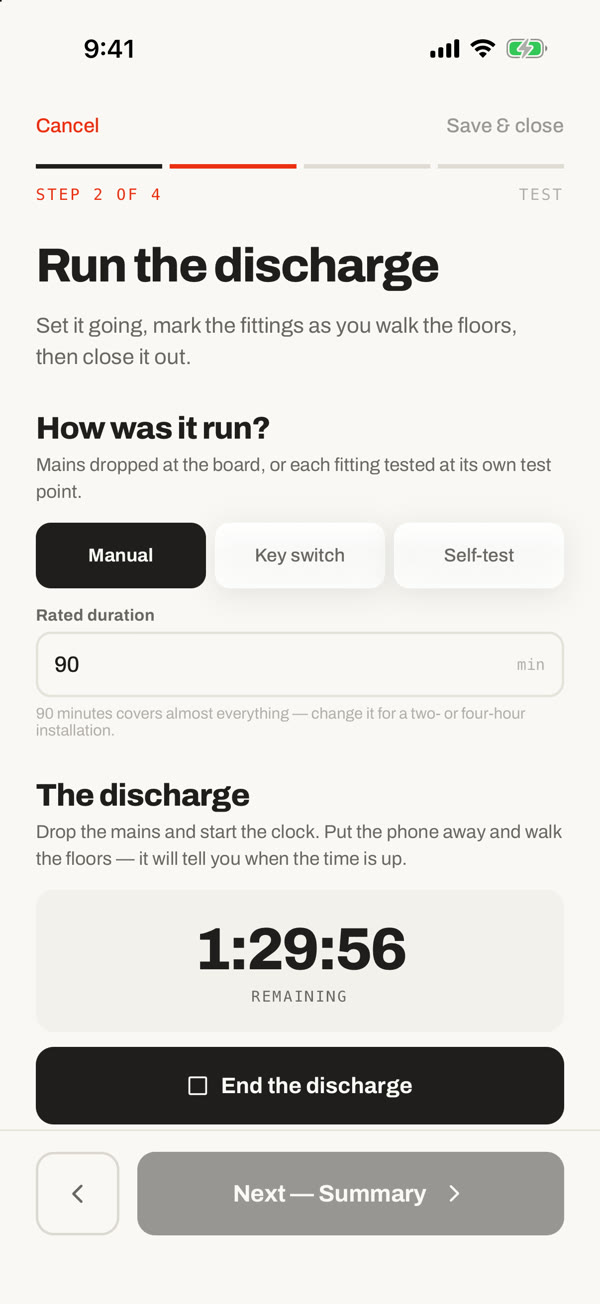
A test in progress is kept if the app closes, so a long run is never lost.
Flagged on the spot, with the office notified.
Emergency lighting discharge tests are timed on the phone.